Connecting Printify
Set up the production side: connect Printify, understand blueprints vs. print providers, and pick providers you can trust with your customers.
Your store connection handles the selling; Printify handles the making. Connect it early — the product catalog it unlocks is what everything else builds on.
If you don't have a Printify account yet
Create one free at printify.com. You don't need to do anything inside Printify afterward — no products, no store connections on their side. PODMACH drives from here; Printify is the production engine.
Connecting
- Settings → Integrations → Printify → Connect.
- Approve the authorization on Printify's side.
- PODMACH syncs the Printify catalog — this can take a few minutes the first time; it's a big catalog.

The two words that matter: blueprints and print providers
Everything in the catalog hangs off these two concepts:
- A blueprint is the product itself: Bella+Canvas 3001 t-shirt, 11oz ceramic mug, matte poster. It defines the variants — sizes, colors — and printable areas.
- A print provider is the company that actually prints and ships that blueprint. The same blueprint is often offered by many providers, at different base costs, quality levels, locations, and shipping speeds.
Choosing a blueprint decides what your customer gets. Choosing a provider decides who makes it, how well, how fast, and what it costs you.
How to choose a print provider
- Location relative to customers. US customers → US-based provider; EU customers → EU provider. Shipping time is a review-killer.
- Base cost vs. quality is a real tradeoff. The cheapest provider is sometimes fine and sometimes why your reviews say "print faded after one wash." Order samples of your bestsellers-to-be.
- Consistency beats occasional brilliance. A provider that's reliably good at 8/10 beats one that alternates between 10 and 4.
- Stock stability. Providers occasionally run out of specific variants (that one color in 2XL). Popular, well-stocked providers minimize this.
What the sync gives you in PODMACH
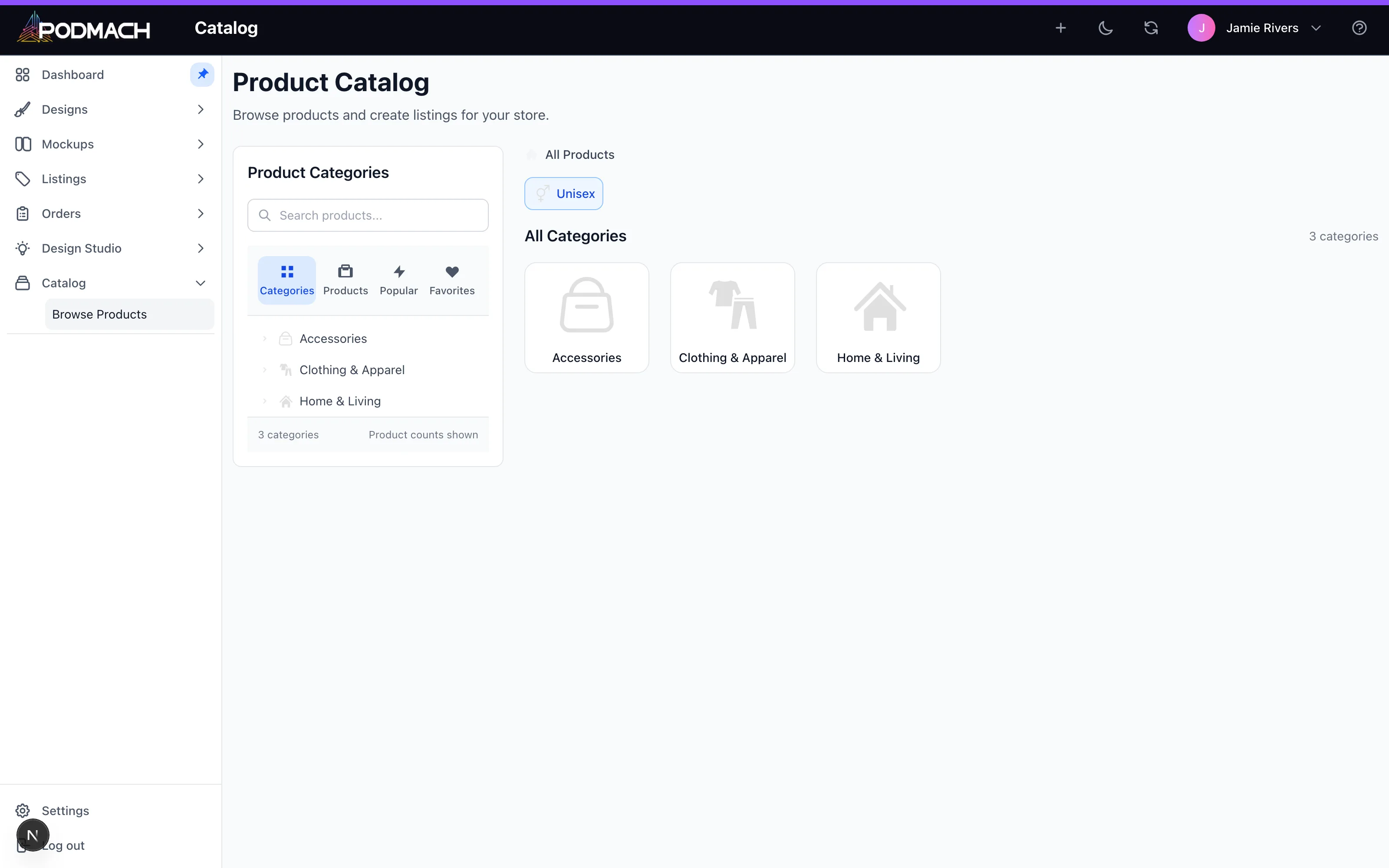
The full catalog is browsable under Catalog — blueprints, their providers, variants, and print areas — and the listing wizard draws directly from it, showing your true base cost per variant while you price.
Next: Uploading & Organizing Designs, then the wizard turns designs + catalog into listings.
Continue the POD Foundations path
Connecting Your Etsy Shop
5 min read