Uploading & Organizing Designs
File requirements that actually matter, a naming system that scales past 100 designs, and how your design library feeds everything else.
Your design library is the asset. Stores and listings are how you monetize it — the library itself is the thing you're building. Treat it that way from design #1 and you'll thank yourself at design #200.
File requirements that actually matter
- Format: PNG with a transparent background for anything printed on a product surface (apparel, mugs). JPG is fine only for full-bleed prints like posters where the image covers everything.
- Resolution: aim for 300 DPI at print size. For a typical full-front shirt print (roughly 12×16 inches), that means around 3600×4800 pixels. Bigger is safe; PODMACH and providers scale down cleanly. Upscaling a small file is where prints get blurry.
- Color: design in sRGB. Know that printed colors are always a touch more muted than your screen — neon-vivid on screen prints merely bright.
- Content: original work only. No characters, brands, logos, celebrity names or likenesses you don't have rights to. This is the #1 way shops get shut down.
Uploading
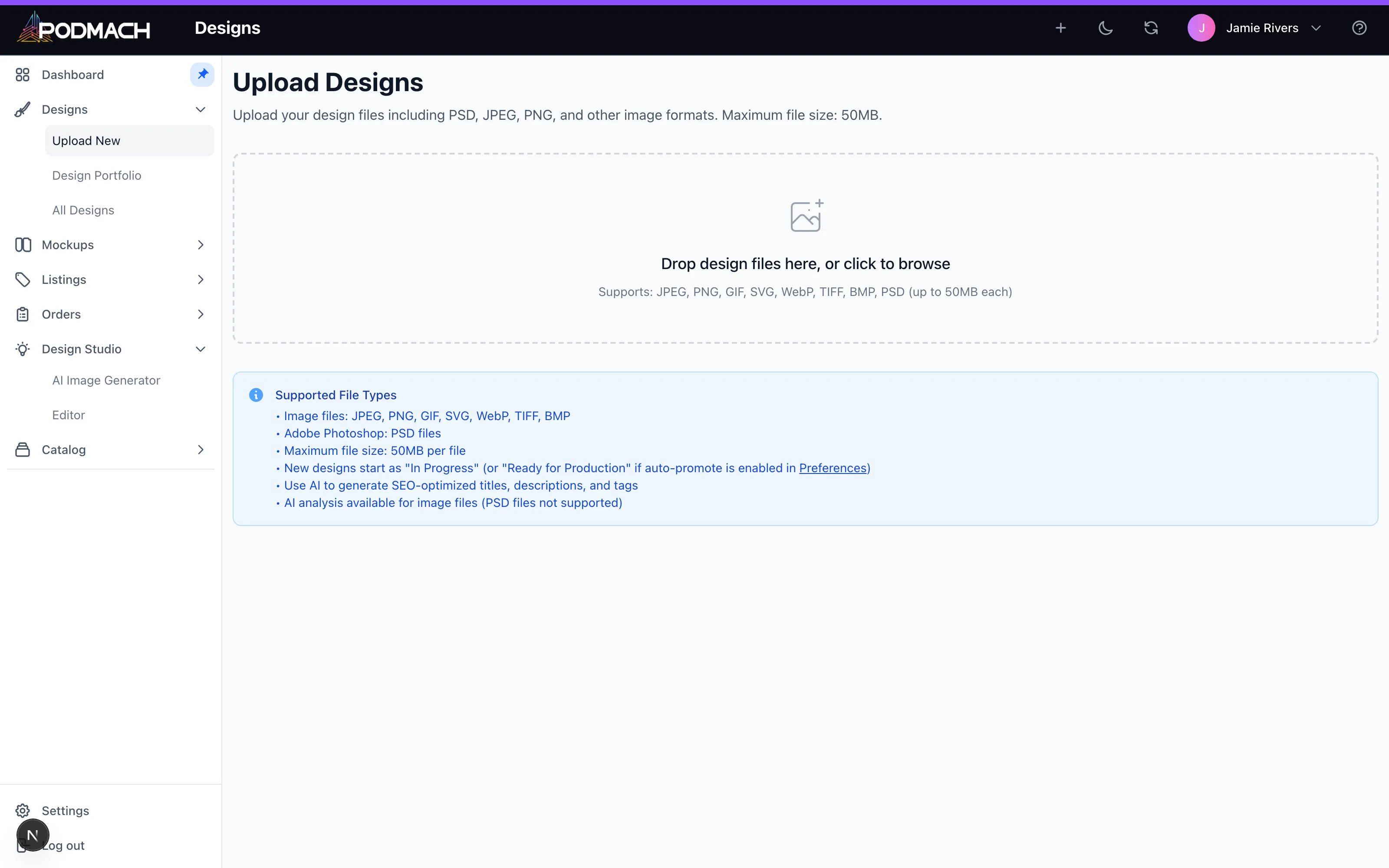
Designs → Upload, then drag and drop. Upload the master file — highest resolution you have. One upload serves unlimited products and listings, so there's never a reason to upload a downsized copy.
Naming: the system that scales
At 10 designs, anything works. At 100, "final-final-v3.png" is a catastrophe. A pattern that holds up:
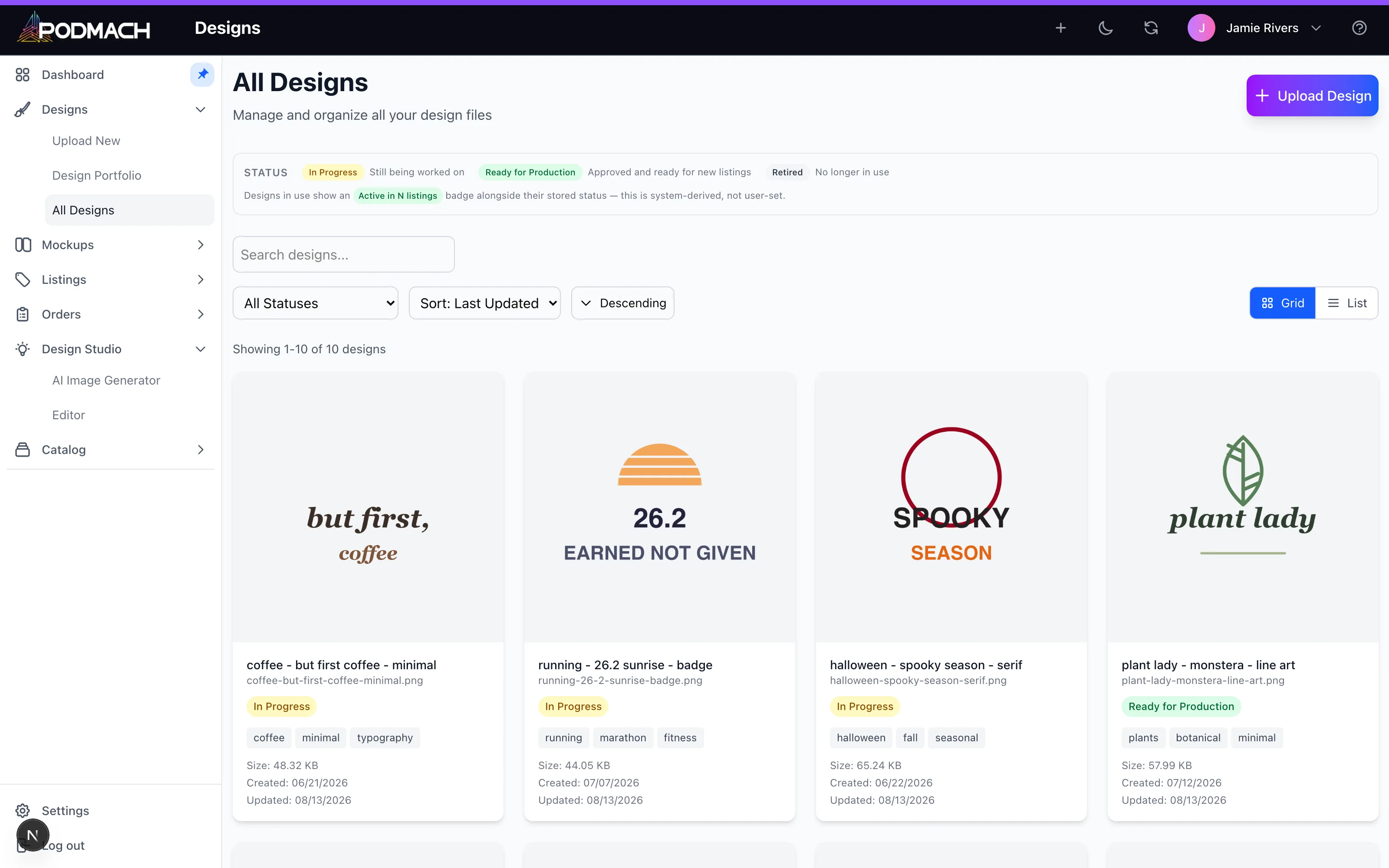
niche - concept - variant → camping - sunset pines - white text, nurse - coffee IV - distressed
You'll be searching your own library constantly from the listing wizard — name for your future self who's typing into a search box.
Portfolio organization
Use the portfolio views under Designs to group work the way your business thinks — by niche, by collection, by season. Two habits worth adopting:
- Prune ruthlessly. Designs that shame you can be archived; a tight library is faster to work in.
- Batch by niche. When one camping design sells, you'll want to publish five more — having the niche's designs grouped makes that a ten-minute job.
One design, many products
The library is deliberately decoupled from products: a single design flows onto a tee, a mug, a poster, and a tote as four listings. When you find a design that sells on one product, putting it on four more is the cheapest revenue you'll ever add. The listing wizard makes this nearly mechanical — see The Listing Wizard, End to End.
Continue the POD Foundations path
The Listing Wizard, End to End
9 min read